
RAG Architecture for Business: Grounding AI in Your Company’s Knowledge
One of the fundamental problems with large language models is that they sometimes confidently generate false information—a phenomenon called hallucination. A chatbot might invent a product feature, fabricate a policy detail, or create a plausible-sounding but entirely made-up statistic.
For businesses relying on AI to answer customer questions, support employees, or make decisions, hallucination is unacceptable. You need AI that answers from your company’s truth, not from patterns in training data.
This is where Retrieval-Augmented Generation (RAG) comes in. RAG is a technique that grounds LLM outputs in your actual knowledge—documents, databases, and proprietary information—ensuring answers are accurate, sourced, and trustworthy.
What Is Retrieval-Augmented Generation?
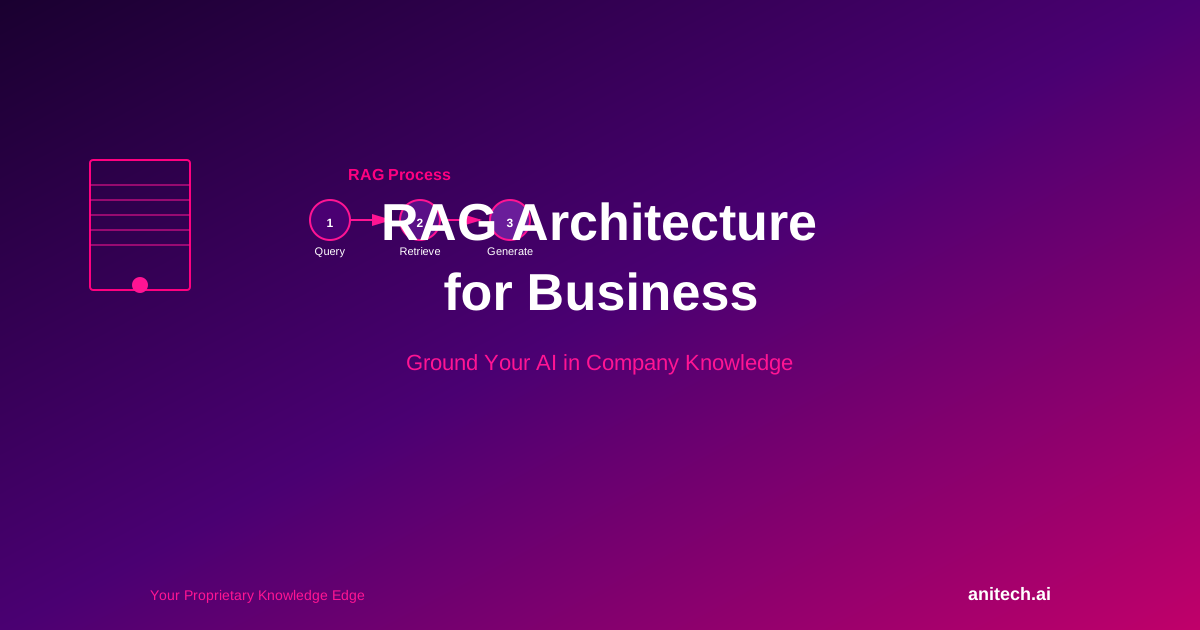
RAG is a three-step process:
- User asks a question: “How do we handle customer refunds under our service agreement?”
- Semantic search retrieves relevant documents: The system searches your knowledge base (contracts, policies, FAQs, internal wikis) and finds the relevant sections
- LLM generates an answer grounded in those documents: The LLM reads the retrieved context and writes a response that’s faithful to your actual policies
Without RAG: The LLM might say “Refunds are typically processed within 30 days” (generic, possibly wrong for your business).
With RAG: The LLM says “Under our Service Agreement section 5.2, refunds are processed within 14 business days of receiving a valid request. You can find the full policy here: [link].”
Why RAG Matters for Your Business
1. Eliminates Hallucination
By grounding outputs in your actual documents, RAG reduces the risk of confident false answers. The AI can only say what’s in your knowledge base.
2. Keeps Proprietary Knowledge Proprietary
You don’t need to send sensitive data to cloud LLM providers or fine-tune models on confidential information. RAG embeds documents and keeps them in your infrastructure.
3. Reduces Dependency on Model Retraining
Instead of fine-tuning a model (expensive, time-consuming) every time you update policies or documentation, you simply add new documents to your knowledge base. The LLM immediately knows about them.
4. Provides Traceability and Audit Trails
Answers include references to source documents. If a decision goes wrong, you can trace it back to the knowledge source and audit the AI’s reasoning.
5. Enables Real-Time Knowledge Updates
Documents update instantly. New product features, policy changes, or market shifts are immediately reflected in AI responses without retraining.
6. Cost-Effective Knowledge Management
RAG is cheaper than fine-tuning and more flexible. You can experiment with different knowledge sources, adjust retrieval strategies, and optimise without expensive model training.
RAG Architecture: Components and Flow
1. Knowledge Base and Document Ingestion
Sources:
– Internal documentation (wikis, SOPs, policies)
– Product specs and feature documentation
– Customer contracts and service agreements
– Sales collateral and case studies
– FAQ databases and knowledge articles
– Historical email archives, ticket data
– Structured data from databases (converted to natural language)
Processing:
– Extract text from PDFs, Word docs, web pages
– Split documents into chunks (500–1000 tokens each, with overlap for context)
– Clean and normalise formatting
– Add metadata (source, date, author, category)
2. Embedding and Vector Database
Embeddings convert text into dense numerical vectors that capture semantic meaning. Documents with similar meaning have similar vectors.
Process:
1. Each document chunk is sent to an embedding model (OpenAI, Cohere, open-source like Sentence-Transformers)
2. The embedding model returns a vector (often 768–3072 dimensions)
3. The vector is stored in a vector database alongside the original text
Vector Databases:
– Pinecone (fully managed, cloud-hosted)
– Weaviate (open-source, self-hosted or managed)
– Milvus (open-source, high-performance)
– Qdrant (open-source, privacy-focused)
– Chroma (lightweight, embeddable)
For Australian data sovereignty: Self-hosted Weaviate, Milvus, or Qdrant ensures your vectors stay in Australia.
3. Semantic Search and Retrieval
When a user asks a question:
- The question is converted to an embedding using the same embedding model
- The system performs a vector similarity search: find the document chunks whose vectors are closest to the question’s vector
- The top-K results (typically 3–10) are retrieved
- Results are ranked by relevance, and the top results are passed to the LLM
Example:
– User: “How do I request a refund?”
– Embedding captures semantic intent
– Semantic search finds document chunks about refunds
– Retrieved context might include: your refund policy (section 5.2), common refund FAQ, examples from customer service handbook
4. LLM Generation with Context
The LLM receives:
– The user’s question
– Retrieved document context (formatted clearly)
– Optional system prompt (e.g., “Use the provided documents to answer. If the answer isn’t in the documents, say so.”)
The LLM generates a response that’s faithful to the retrieved context. Output can include citations: “This is covered in our Service Agreement, Section 5.2: [quote].”
5. Feedback Loop and Continuous Improvement
User feedback mechanisms:
– “Was this answer helpful?” (thumbs up/down)
– “This answer was wrong” (user correction)
– Explicit ratings (1–5 stars)
Improvement cycle:
– Poor responses trigger review: Was the retrieval bad? Was the LLM’s generation wrong? Was the knowledge base incomplete?
– If retrieval failed: adjust chunk size, add more metadata, retune embedding model
– If knowledge base is incomplete: add missing documents or FAQs
– If LLM generation was off: refine system prompts, adjust temperature, add examples
Building a RAG System: Step-by-Step
Step 1: Audit and Prepare Knowledge
- What knowledge exists in your organization? (documents, databases, systems)
- What’s most valuable for users/employees to access?
- Which documents are current and trustworthy?
- What’s confidential? (RAG requires storing documents in vectorised form, not plain text, but still handle carefully)
Effort: 2–4 weeks for a mid-sized company
Step 2: Choose Infrastructure
Questions to answer:
– Cloud or on-premises?
– Volume of documents? (100s, 1000s, 100,000s?)
– Latency requirements? (sub-second? seconds is okay?)
– Multiple languages?
– User base size?
Example configurations:
– Small, cloud-friendly: Pinecone + OpenAI embeddings + OpenAI GPT-4 API
– Large, privacy-focused: Weaviate (self-hosted) + open-source embeddings (Sentence-Transformers) + on-premises LLM (Llama, Mistral)
– Hybrid, Australian-sovereign: Weaviate in Australia + AWS Sydney + fine-tuned LLM
Effort: 2–4 weeks for infrastructure design and setup
Step 3: Embed and Index Knowledge
- Convert all documents to chunks
- Generate embeddings for each chunk
- Store in vector database
- Add metadata for filtering and ranking
Effort: 1–2 weeks for initial indexing; ongoing as documents update
Step 4: Build Retrieval Interface
- API endpoint: user query → embedding → search → return results
- UI (web, Slack, Teams, custom)
- Logging and monitoring
Effort: 1–2 weeks for MVP
Step 5: Integrate LLM Generation
- Chain: query → retrieval → LLM generation
- System prompts and tone tuning
- Citation and attribution formatting
- Error handling (no relevant documents found? low confidence results?)
Effort: 1–2 weeks
Step 6: Deploy, Monitor, and Iterate
- A/B test different retrieval strategies, embedding models, LLMs
- Collect user feedback
- Monitor response quality, latency, costs
- Adjust based on data
Effort: Ongoing
Common RAG Challenges and Solutions
Challenge 1: Retrieval isn’t finding relevant documents
– Cause: Bad chunking, poor embeddings, irrelevant documents in knowledge base
– Solution: Experiment with chunk size (try 256, 512, 1024 tokens), test different embedding models, clean irrelevant documents, add metadata for better filtering
Challenge 2: Retrieved documents are relevant but LLM generates wrong answer
– Cause: LLM misreading the context, or system prompt unclear
– Solution: Add few-shot examples to system prompt, simplify document format, increase context window, try different LLM
Challenge 3: Stale or contradictory information in knowledge base
– Cause: Outdated documents, multiple versions of same policy
– Solution: Establish document ownership and update SLAs, version documents, add explicit “last updated” dates, implement document lifecycle management
Challenge 4: Expensive API calls (embedding + LLM)
– Cause: High-volume retrieval and generation
– Solution: Cache embeddings (don’t re-embed same documents), batch requests, use smaller open-source models locally, implement query filtering to avoid unnecessary searches
Challenge 5: Hallucination still happens (LLM adds information not in documents)
– Cause: LLM trained to fill gaps creatively
– Solution: Use system prompt “Only answer from provided documents. If information isn’t in documents, say you don’t know.” Try models known for faithful generation (Claude, open-source Orca models)
RAG Use Cases Across Industries
Customer Support:
– Query: “Can I change my billing address?”
– Retrieved: Billing policy, account management FAQs
– Response: Instructions + link to self-service option
Internal Knowledge:
– Query: “What’s our hiring process?”
– Retrieved: HR handbook, onboarding docs, job description templates
– Response: Step-by-step process + links to relevant forms
Sales Enablement:
– Query: “What’s the customer’s contract value?”
– Retrieved: Customer record + contract document
– Response: Contract details + special terms
Product Documentation:
– Query: “How do I integrate your API with Salesforce?”
– Retrieved: API docs, integration guides, code examples
– Response: Technical guide + sample code + link to GitHub
Regulatory Compliance:
– Query: “What are our data retention obligations?”
– Retrieved: Privacy policy, regulatory docs, internal compliance guidelines
– Response: Obligations + audit trail + responsible team
Data Sovereignty and Security in RAG
Data residency:
– Use Australian-hosted vector database (Weaviate in AWS Sydney or your data centre)
– Embedding model can be local (Sentence-Transformers) or cloud
– LLM should be on-premises or Australian-hosted cloud
Encryption:
– TLS for data in transit
– Encryption at rest in vector database
– Access control: API keys, role-based access to different knowledge bases
Privacy:
– Careful ingestion of documents with PII (do you need to mask customer names before embedding?)
– GDPR/Privacy Act compliance for document storage
– Audit logs of who accessed what
Ownership and licensing:
– Ensure you own rights to documents you’re embedding
– Some documents may have restricted licensing; verify before using in RAG
Conclusion
RAG is a practical, scalable approach to grounding AI in your company’s knowledge. It reduces hallucination, keeps proprietary information proprietary, and enables real-time, trustworthy AI-assisted workflows across your organization.
The best RAG systems are built iteratively: start small, measure quality, gather feedback, and refine your knowledge base, retrieval strategy, and generation tuning over time.
Build Your Knowledge-Grounded AI System
Anitech AI helps Australian enterprises design and deploy RAG systems that transform company knowledge into instant, trustworthy answers for employees and customers.
Talk to Anitech AI to assess your knowledge, design a RAG architecture, and launch your knowledge-grounded AI assistant.
Related Articles:
– Generative AI for Business Australia: Practical Applications Beyond the Hype
– Enterprise LLM Deployment: Running Large Language Models Securely in Your Australian Business
– Fine-Tuning LLMs for Your Industry: Custom AI Models for Australian Enterprises
Further Reading
- AI Automation Australia — Complete Guide
- Generative AI for Business Australia: Practical Applications Beyond the Hype — Industry Guide
- Enterprise LLM Deployment: Running Large Language Models Securely in Your Australian Business
- Enterprise LLM Deployment: Running Large Language Models Securely in Your Australian Business
- AI Content Generation at Enterprise Scale: From Marketing Copy to Technical Documentation
- AI Content Generation at Enterprise Scale: From Marketing Copy to Technical Documentation